Schedule training, log attendees, and link training activity to sales performance.

Create Training Courses & Modules

Lesson overview

Rare.Monitor lets you log training events and tie them back to the businesses you're working with. By the end of this lesson you'll know how to create a course, schedule a session at a venue, add attendees from any clinic in your network, and surface training history on each clinic's account page.

Step-by-step instructions

  1. 01

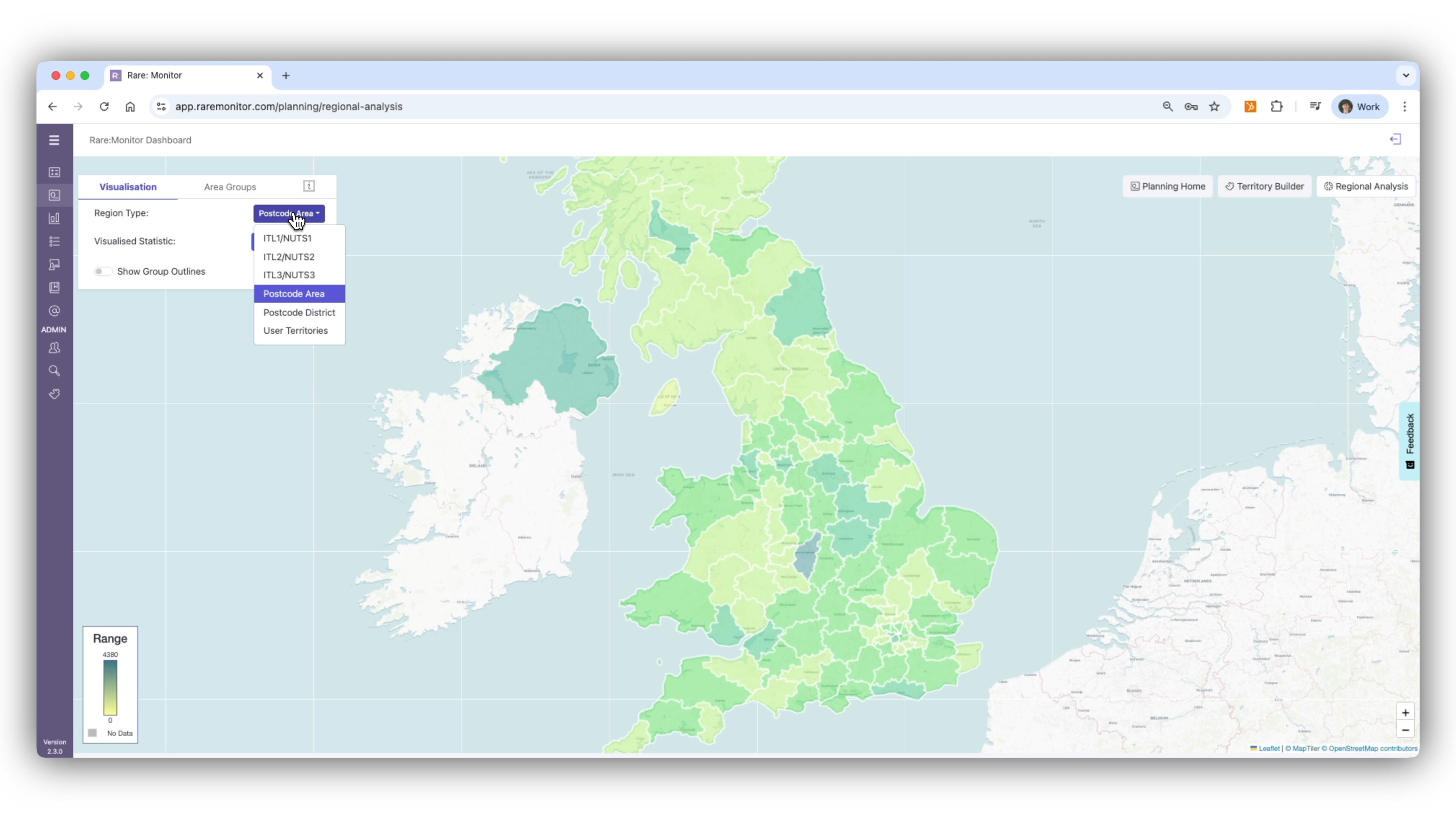
    Open the Training Courses Section

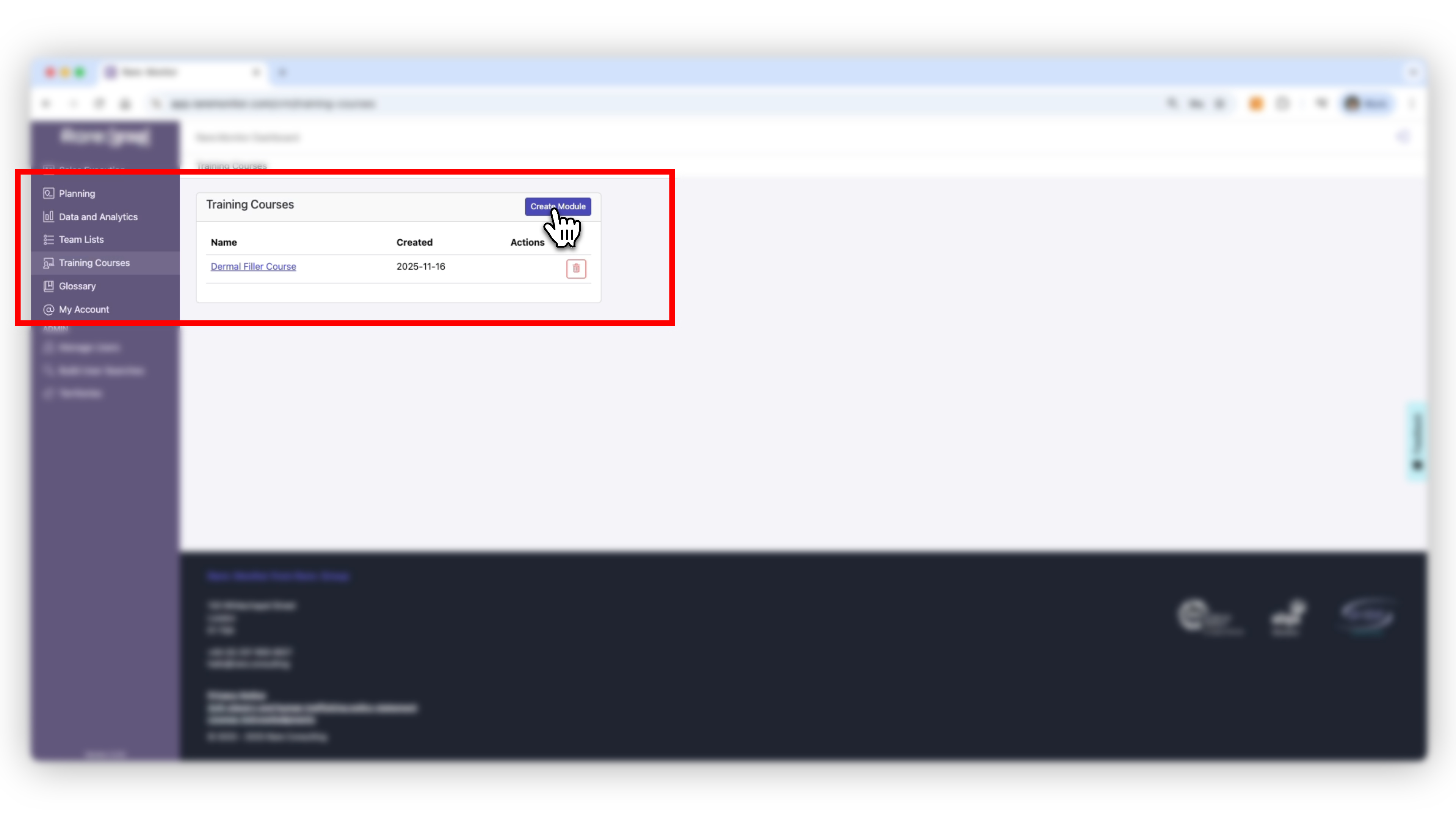
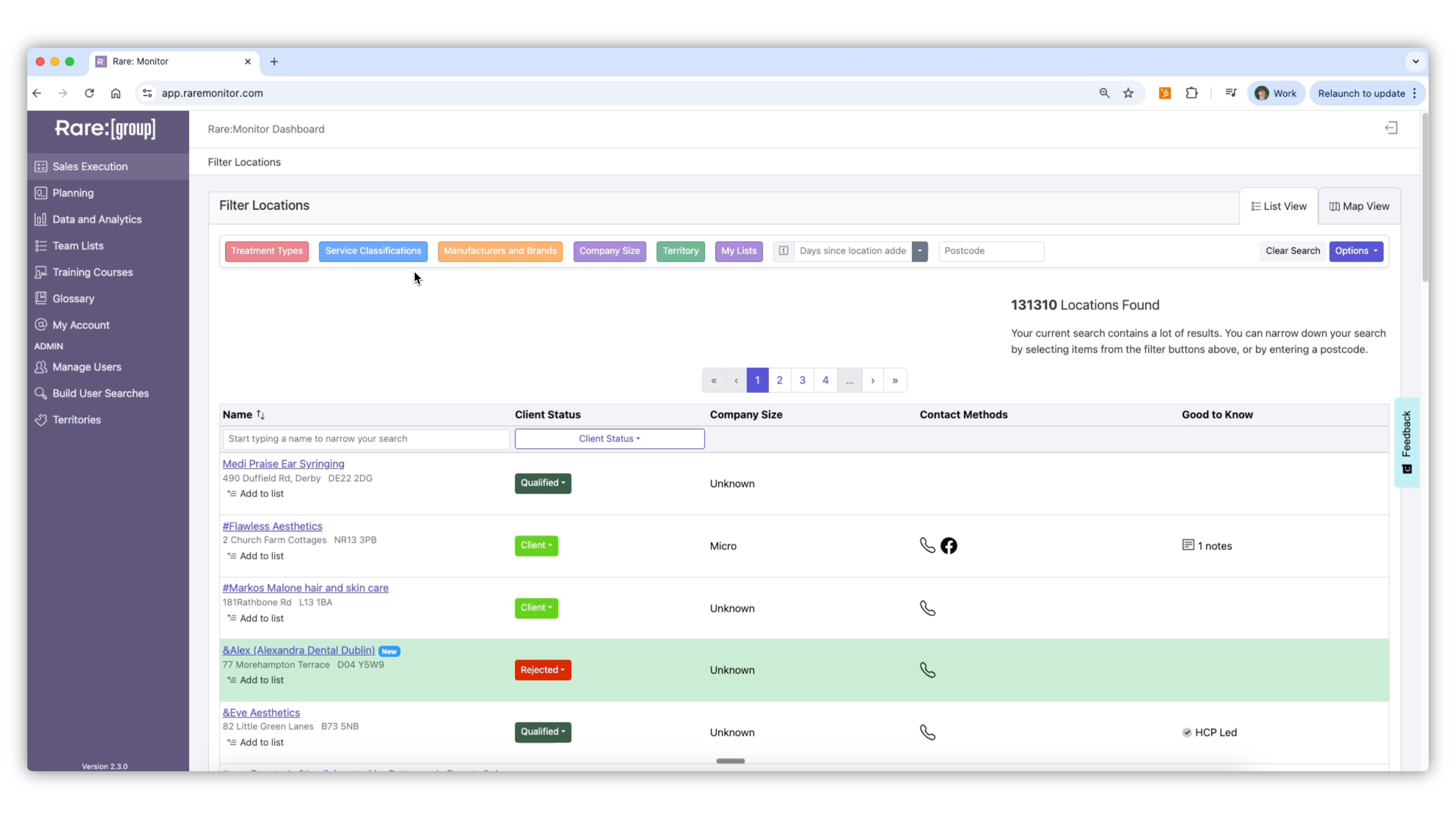
    1. From the left-hand navigation, select Training Courses. 2. Click Add Training Module to create a new course. 3. Give your course a clear name (e.g., "Lip Filler"). 4. Set the difficulty level and add the products covered. 5. Click Save to confirm.
    Screenshot from the Rare.Monitor how-to guide for Create Training Courses & Modules, illustrating "Open the Training Courses Section".
  2. 02

    Create a Training Session

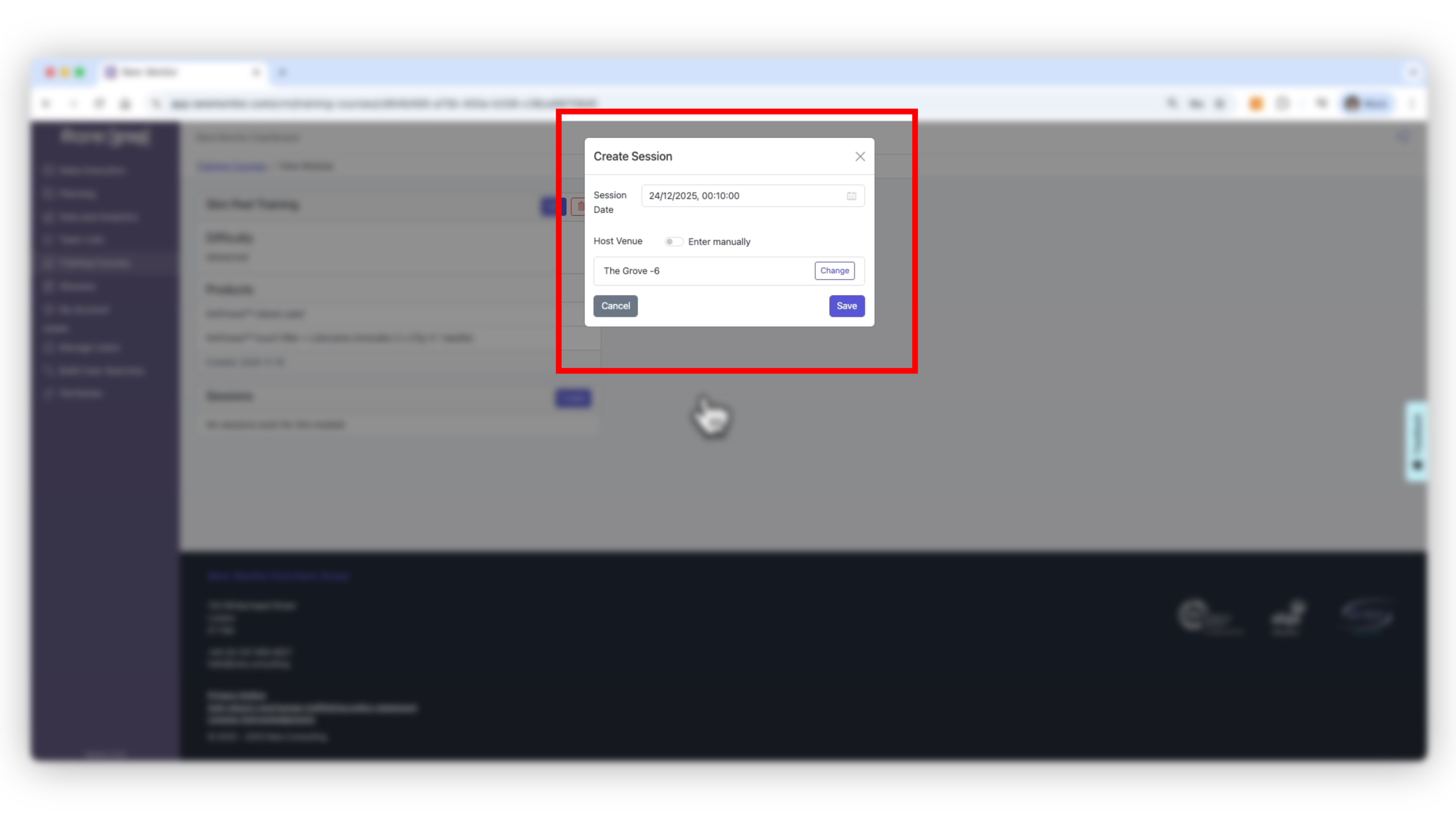
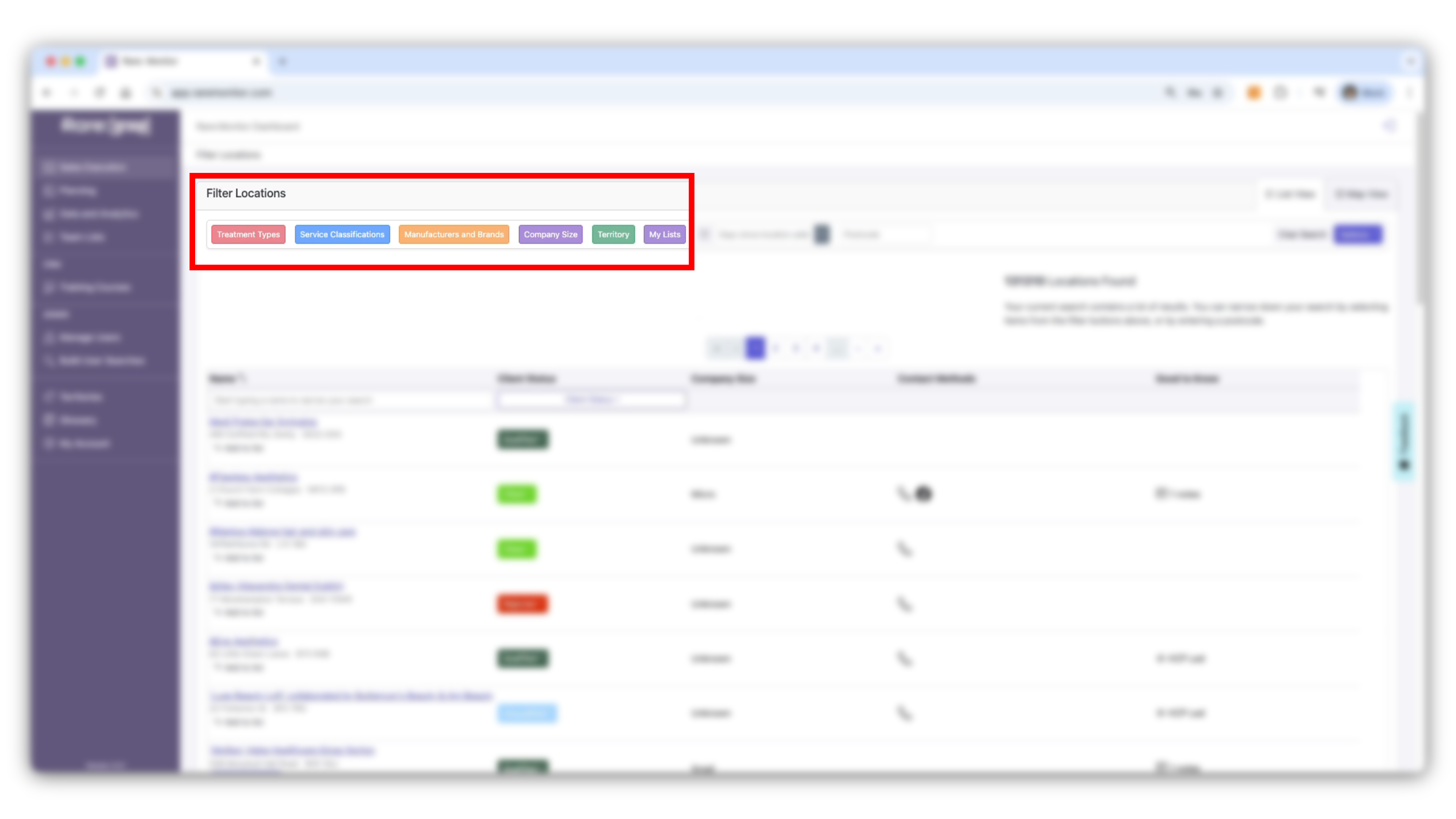
    1. Click Add Session. 2. Choose the date and time for your event. 3. In the location box, start typing the venue name (e.g., VB Health) to select from existing training locations. 4. Confirm and save your session.
    Screenshot from the Rare.Monitor how-to guide for Create Training Courses & Modules, illustrating "Create a Training Session".
  3. 03

    Add Attendees

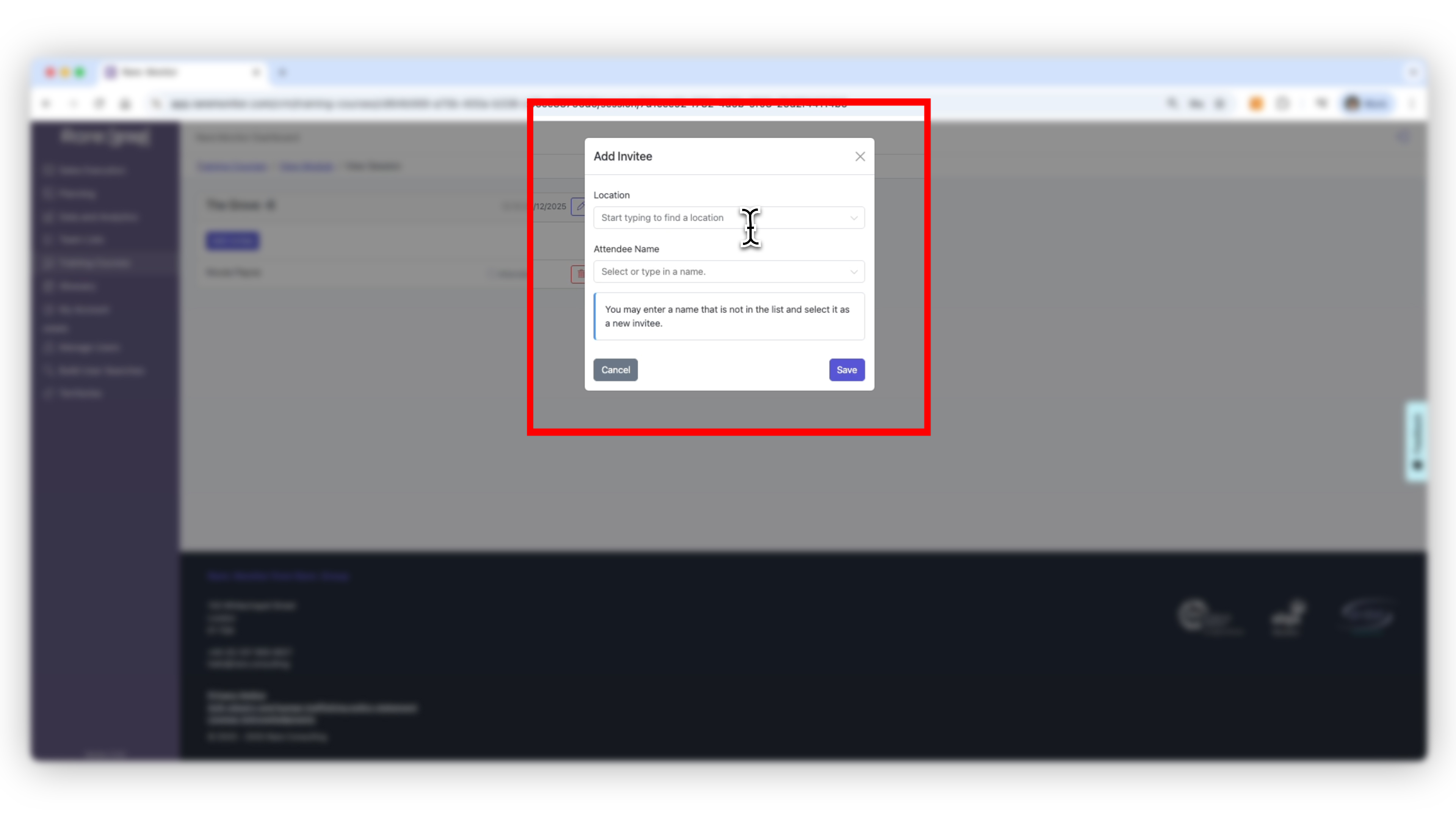
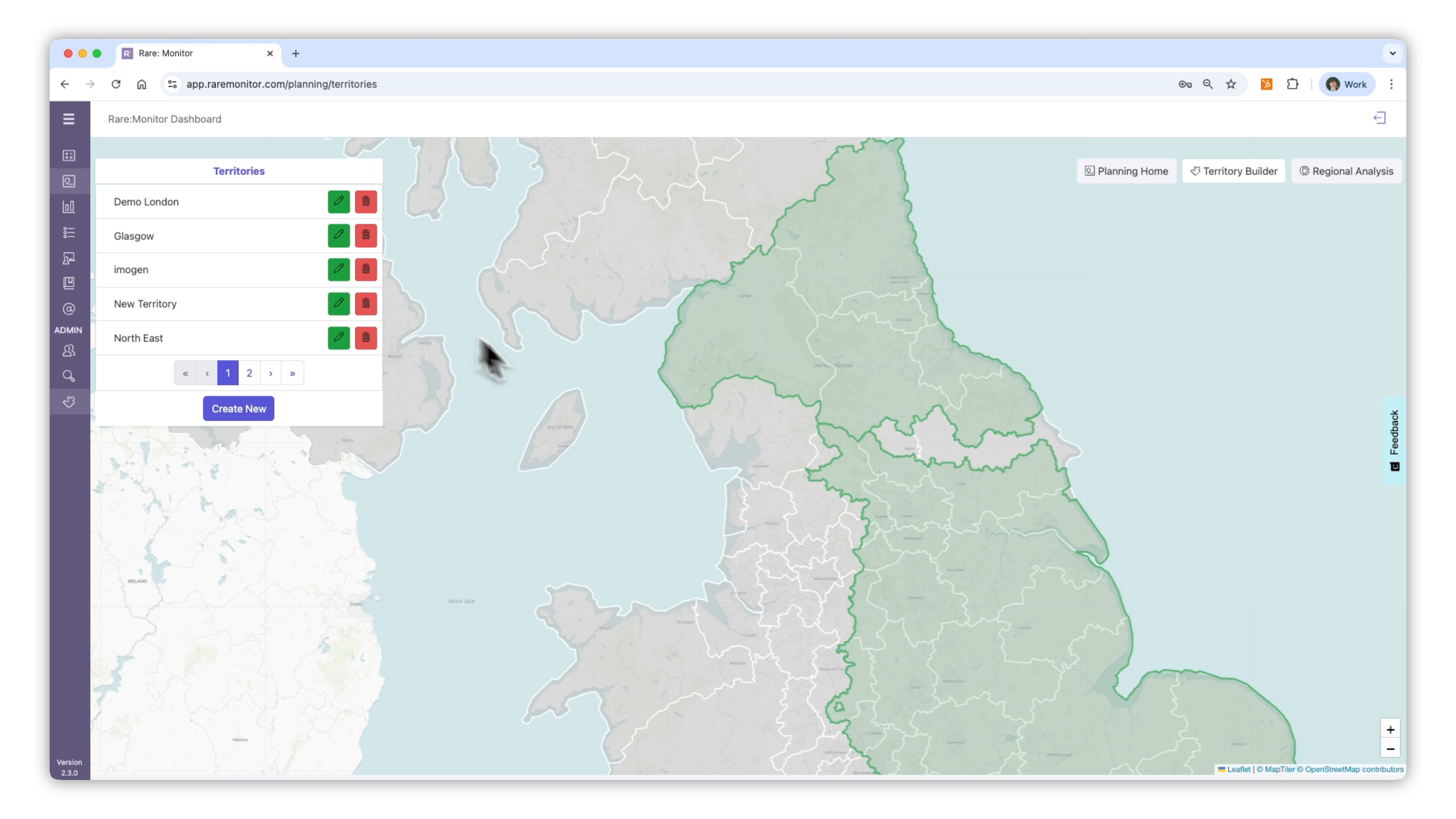
    1. Click Add Attendee in the session details. 2. You can add people from the host clinic or any other business in your network. 3. Enter the business name and the attendee's name (e.g., Charlie Clark from G&T Aesthetics Ltd). 4. Click Add to include them in the session.
    Screenshot from the Rare.Monitor how-to guide for Create Training Courses & Modules, illustrating "Add Attendees".
  4. 04

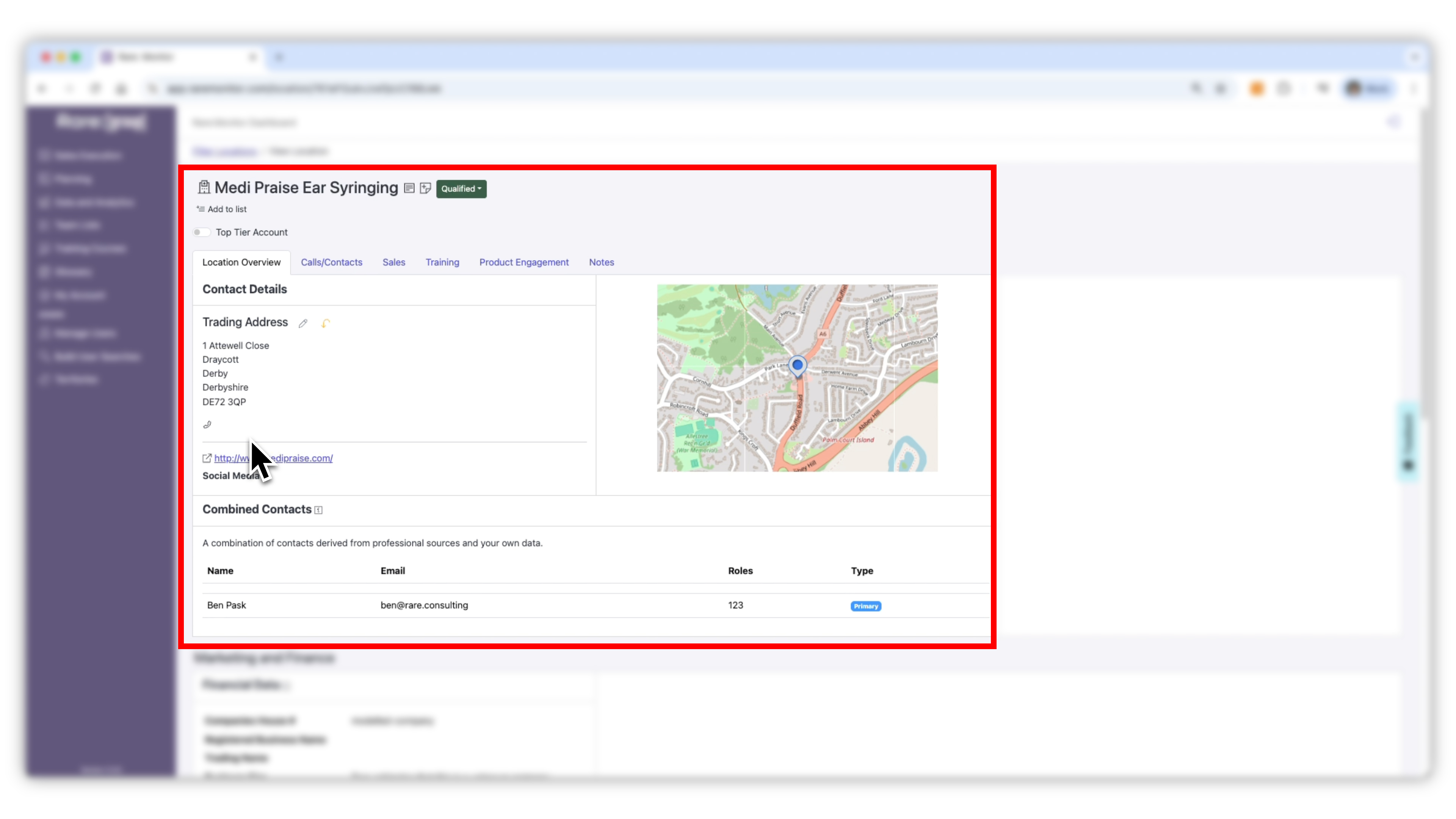
    Add Attendees from a Clinic Page

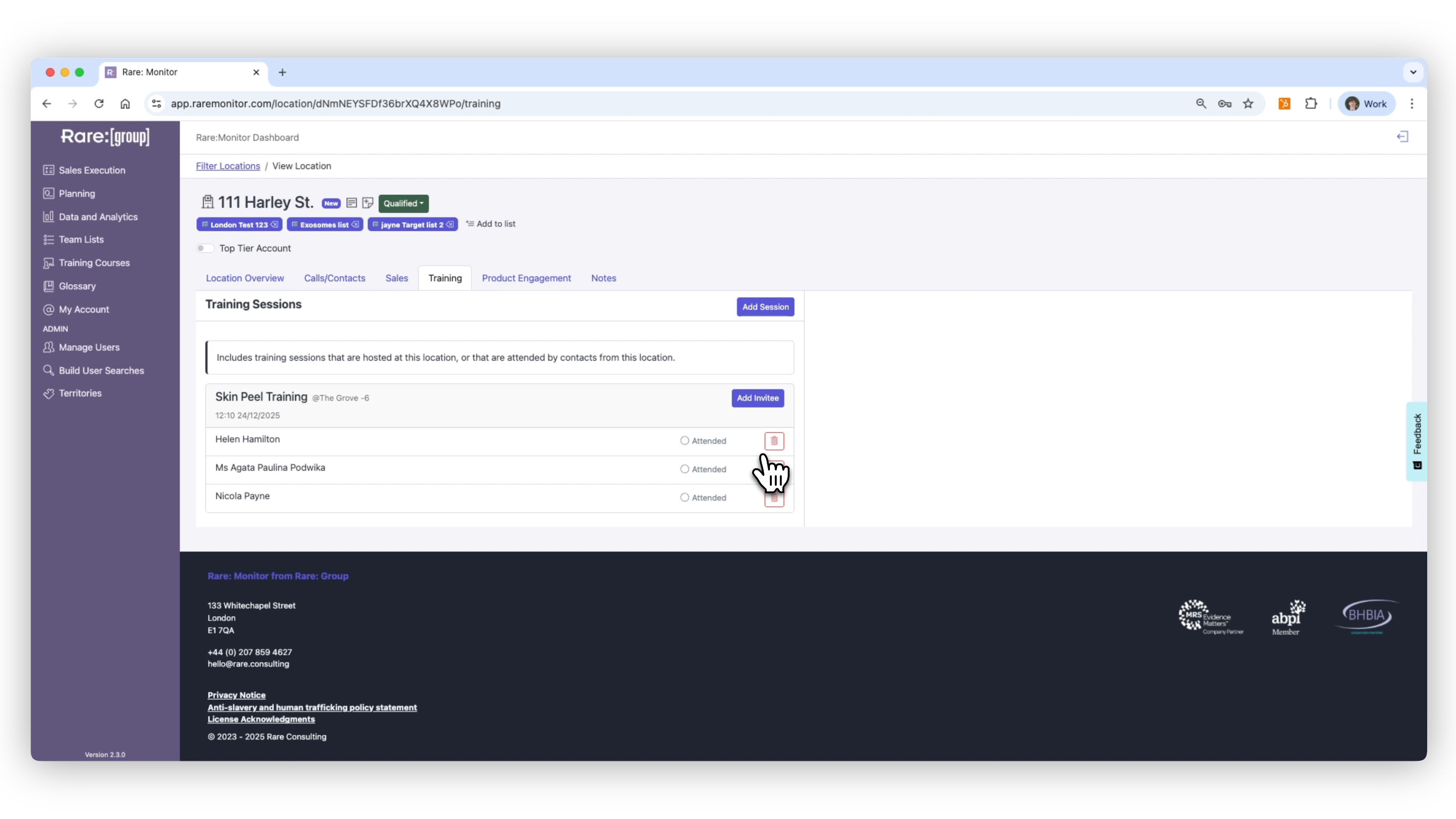
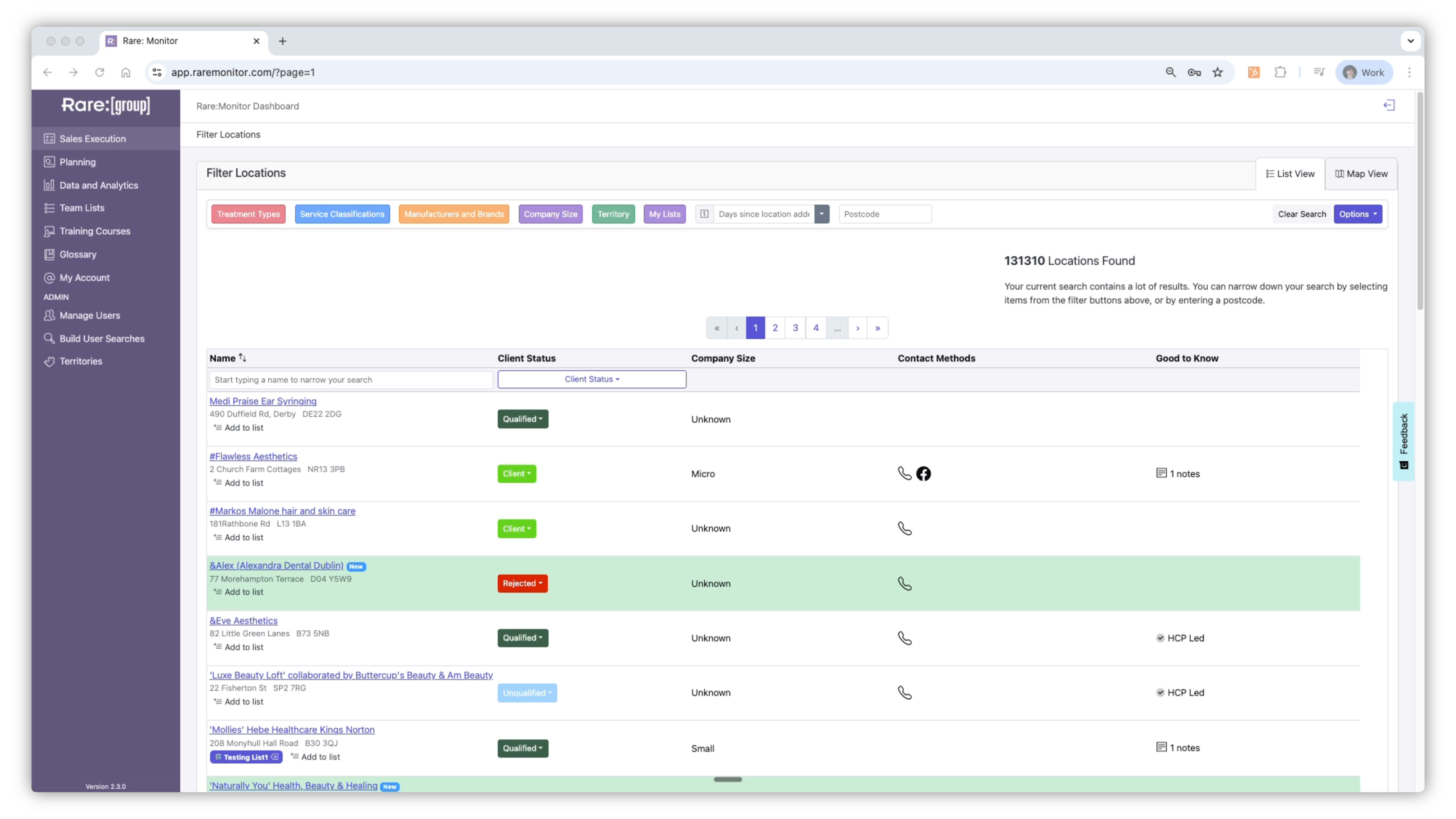
    1. Go to the Clinic Detail page for the business you want to add. 2. Scroll down to the Training section. 3. If it shows "No training session for this person", click Add Session. 4. Select the course name (e.g., Lip Filler) and the session date. 5. Choose the attendee from that location and save.
    Screenshot from the Rare.Monitor how-to guide for Create Training Courses & Modules, illustrating "Add Attendees from a Clinic Page".

Watch more in this series

Next: Managing and Recording CRM Records. The final lesson covers everything else you log against an account: calls, sales, product engagement, client status.