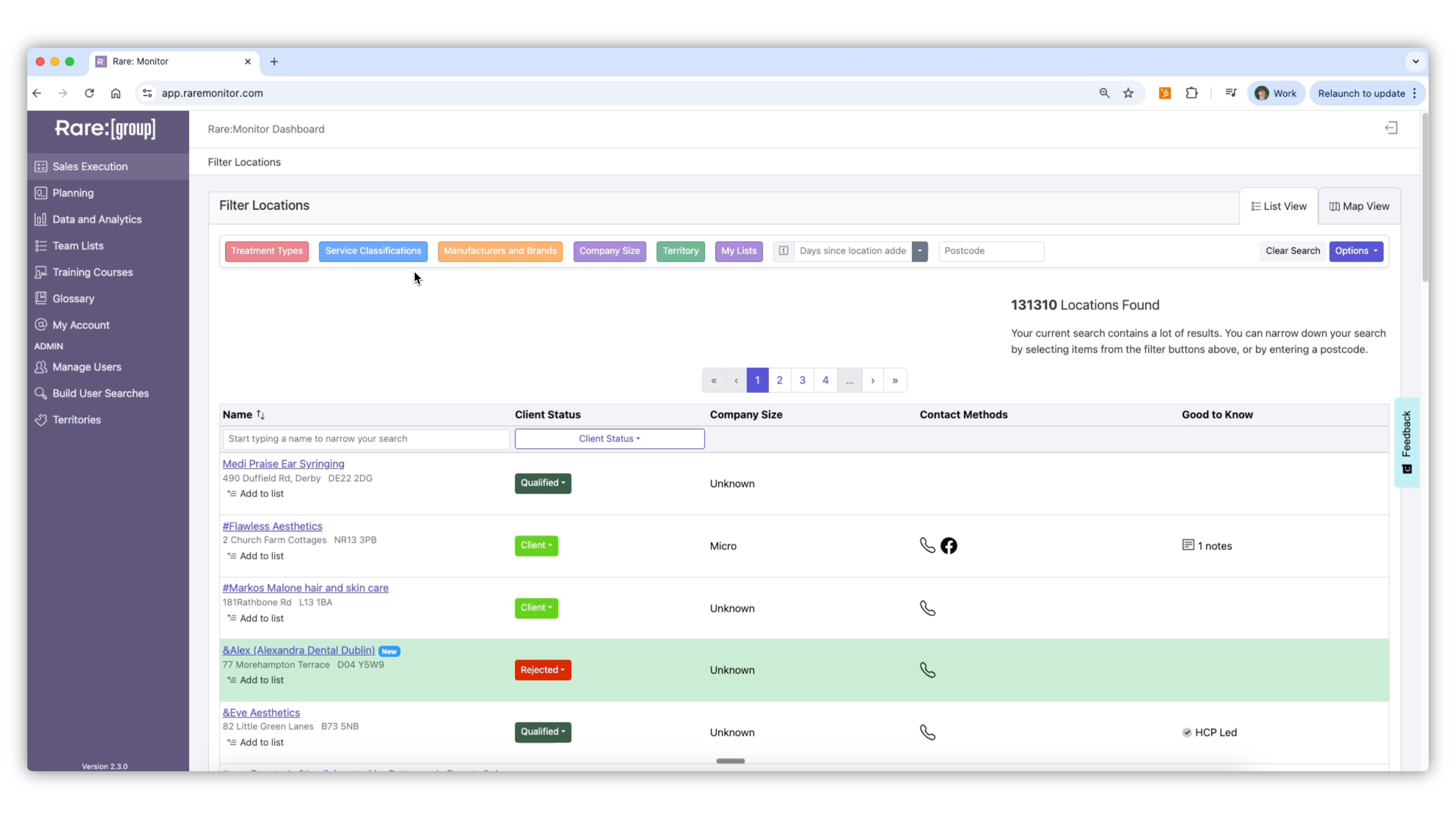
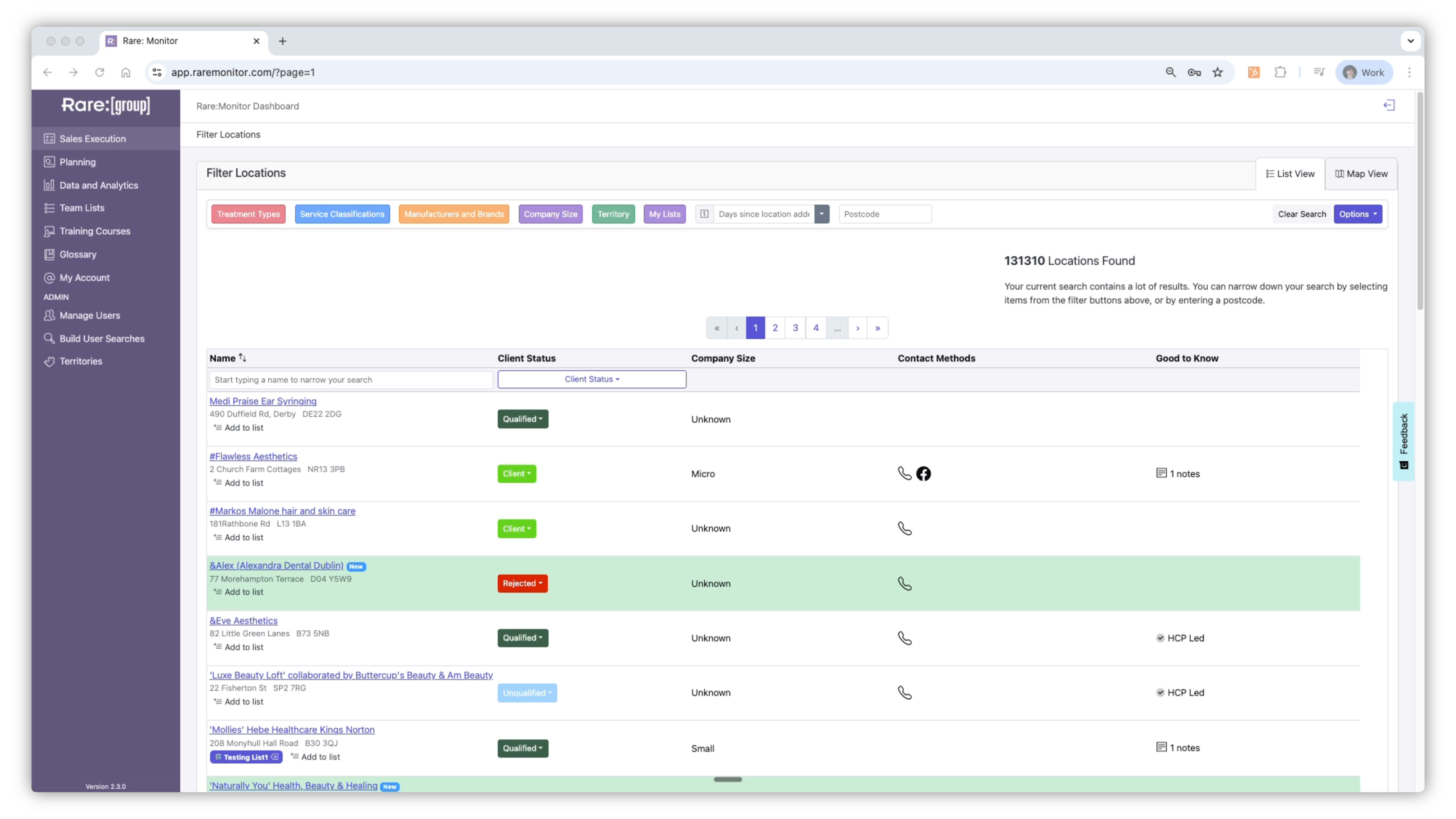
This lesson covers every filter Rare.Monitor supports: Treatments (with Any, Require, and Hide logic), Service Classifications, Manufacturers and Brands, Company Size, Territory, and saved Lists. By the end you'll know how to combine them to surface exactly the clinics you want, and save the result.
01
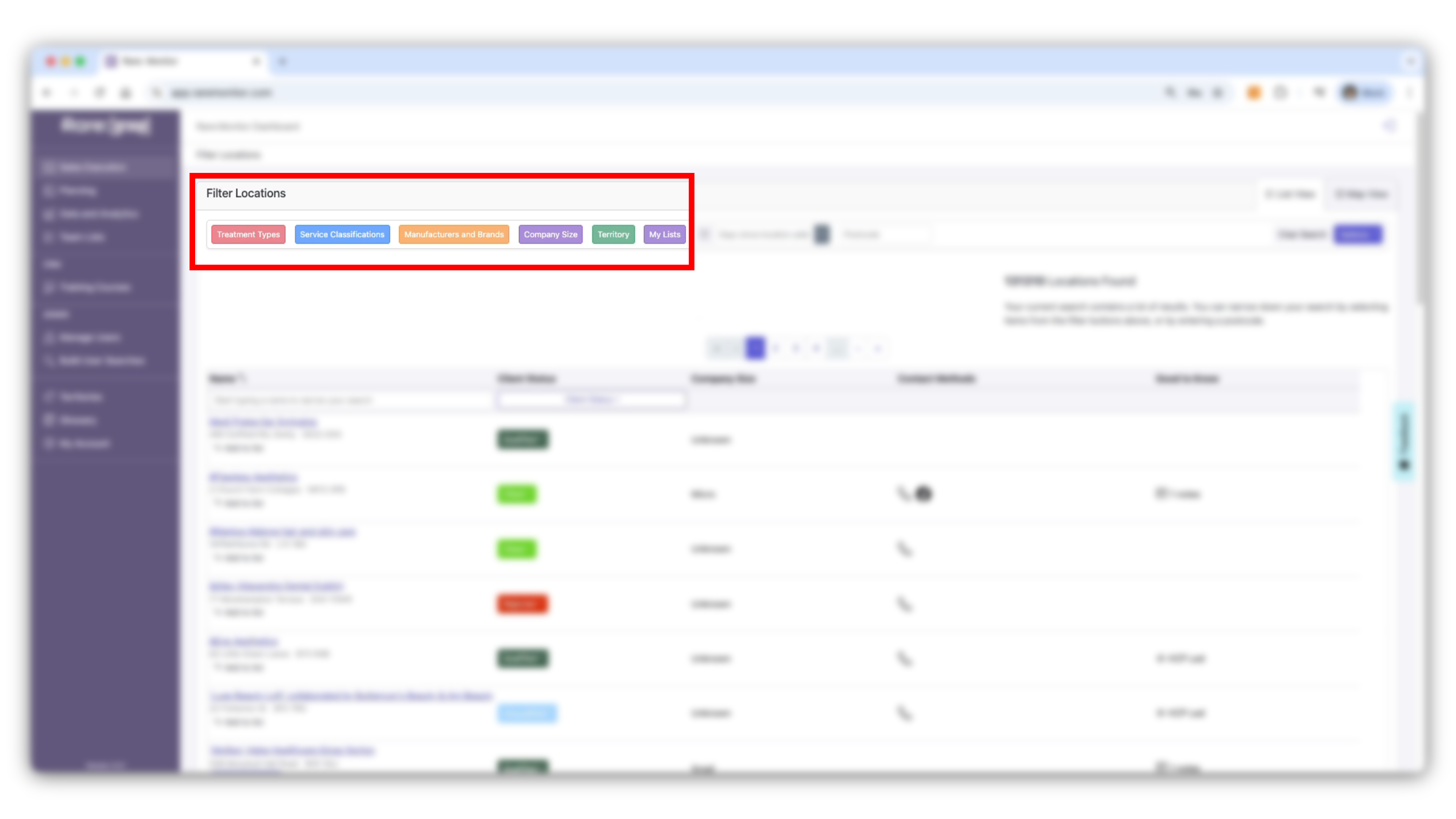
02
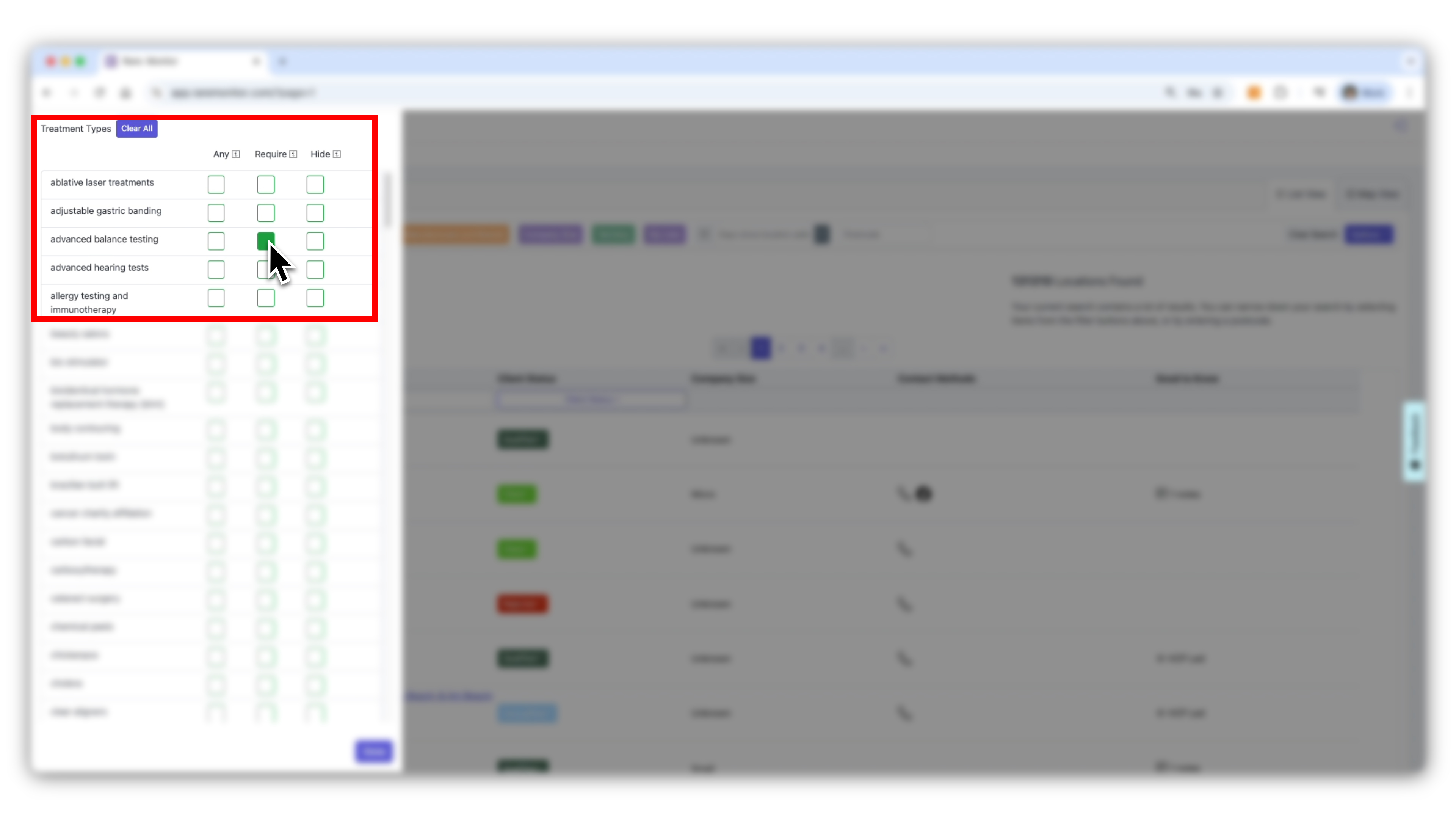
03
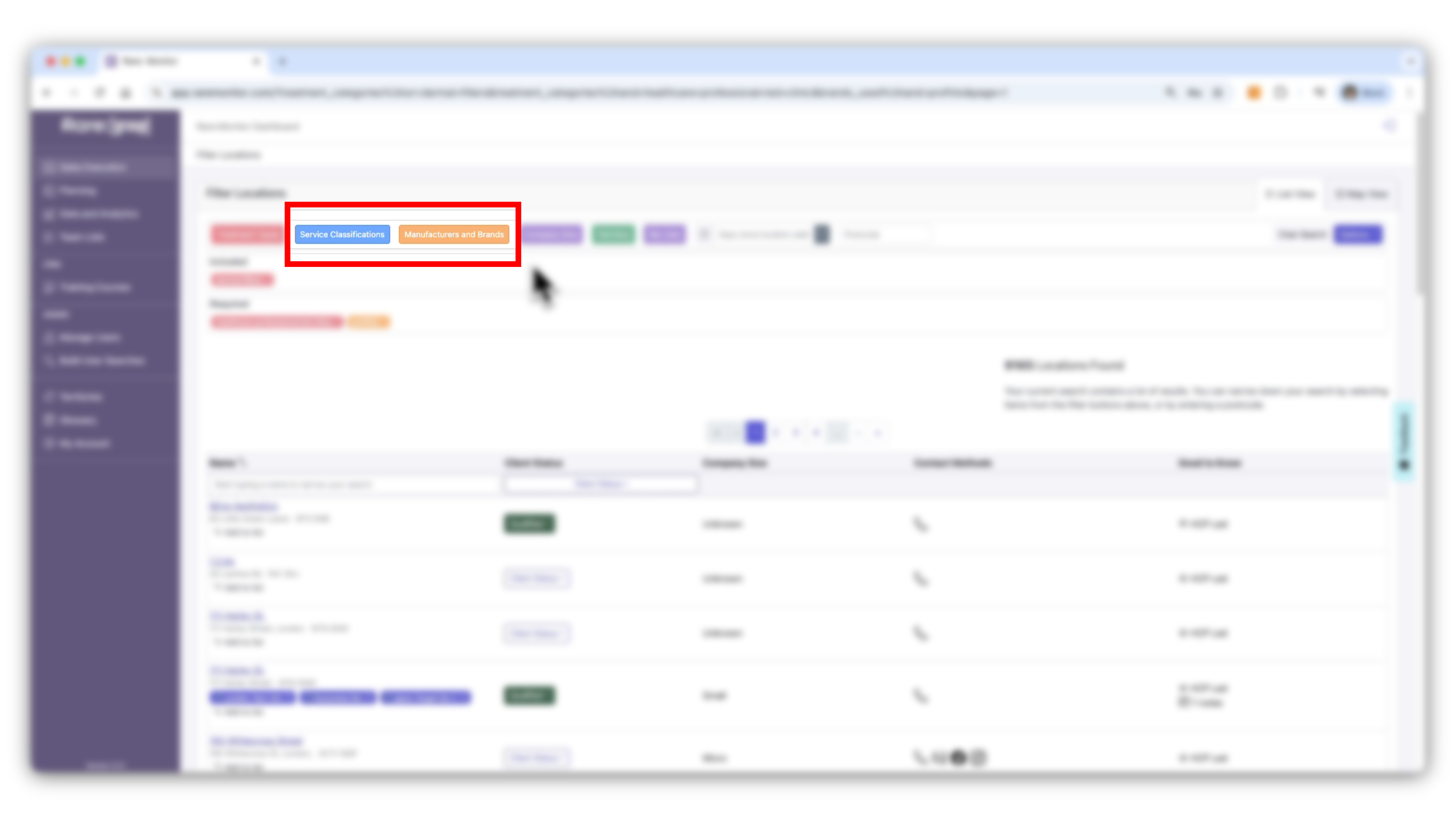
04
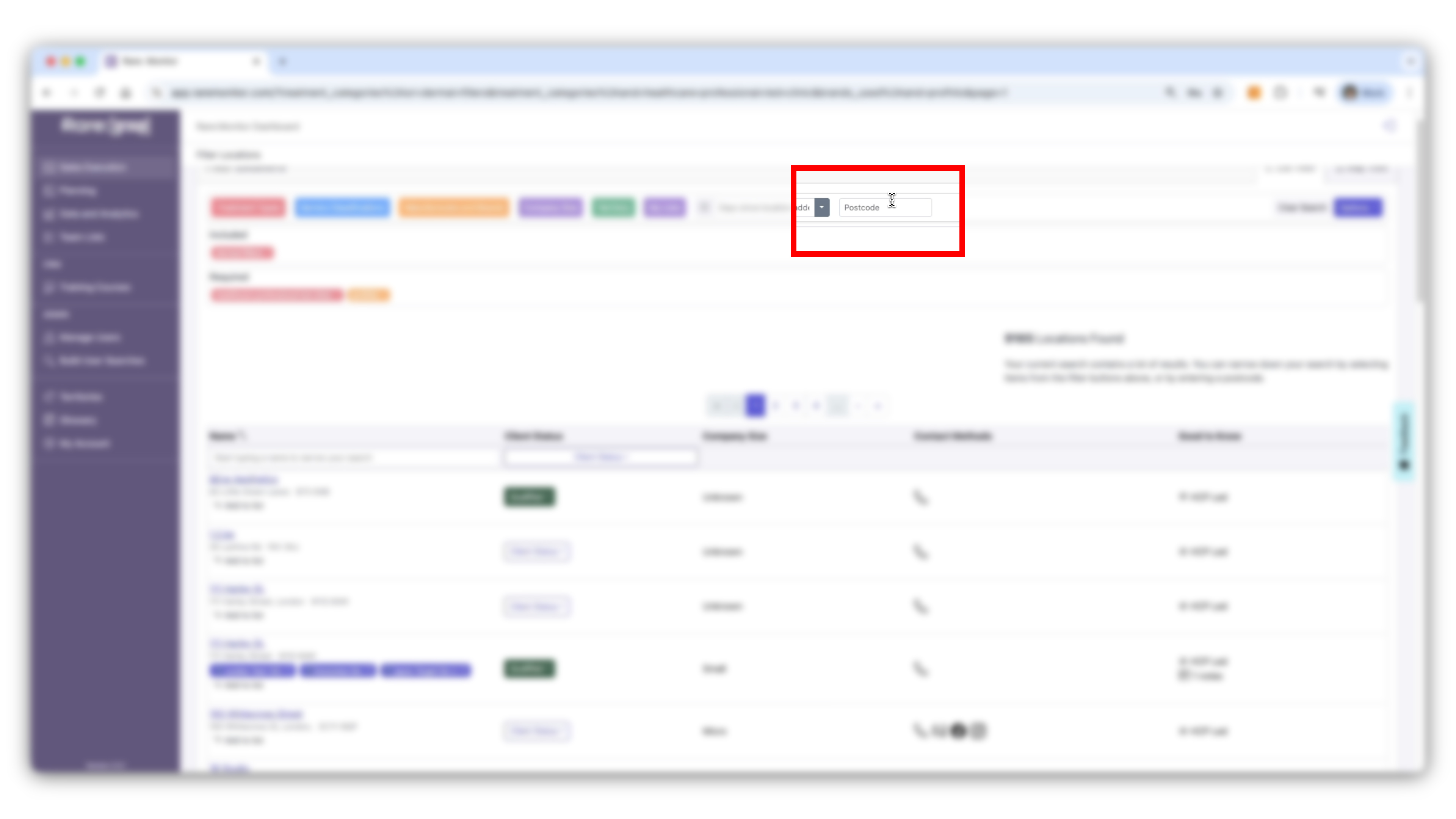
05
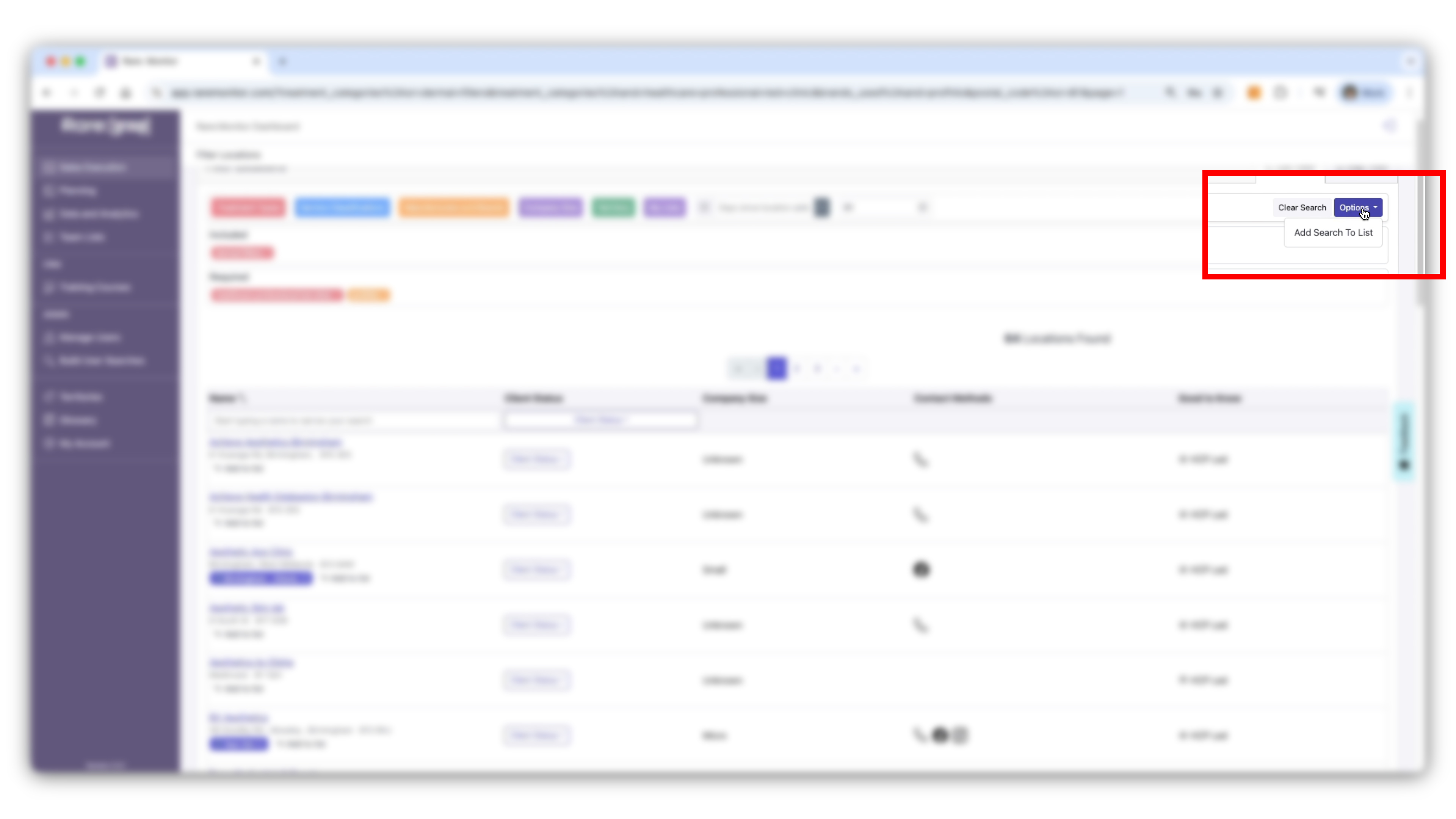
Next: Territory Building & Mapping. Once you can filter, the next step is grouping clinics by region: drawing your own territories on the map and running searches inside them.
01
The fastest path from your account credentials to your first prospect list.
4 min video
03
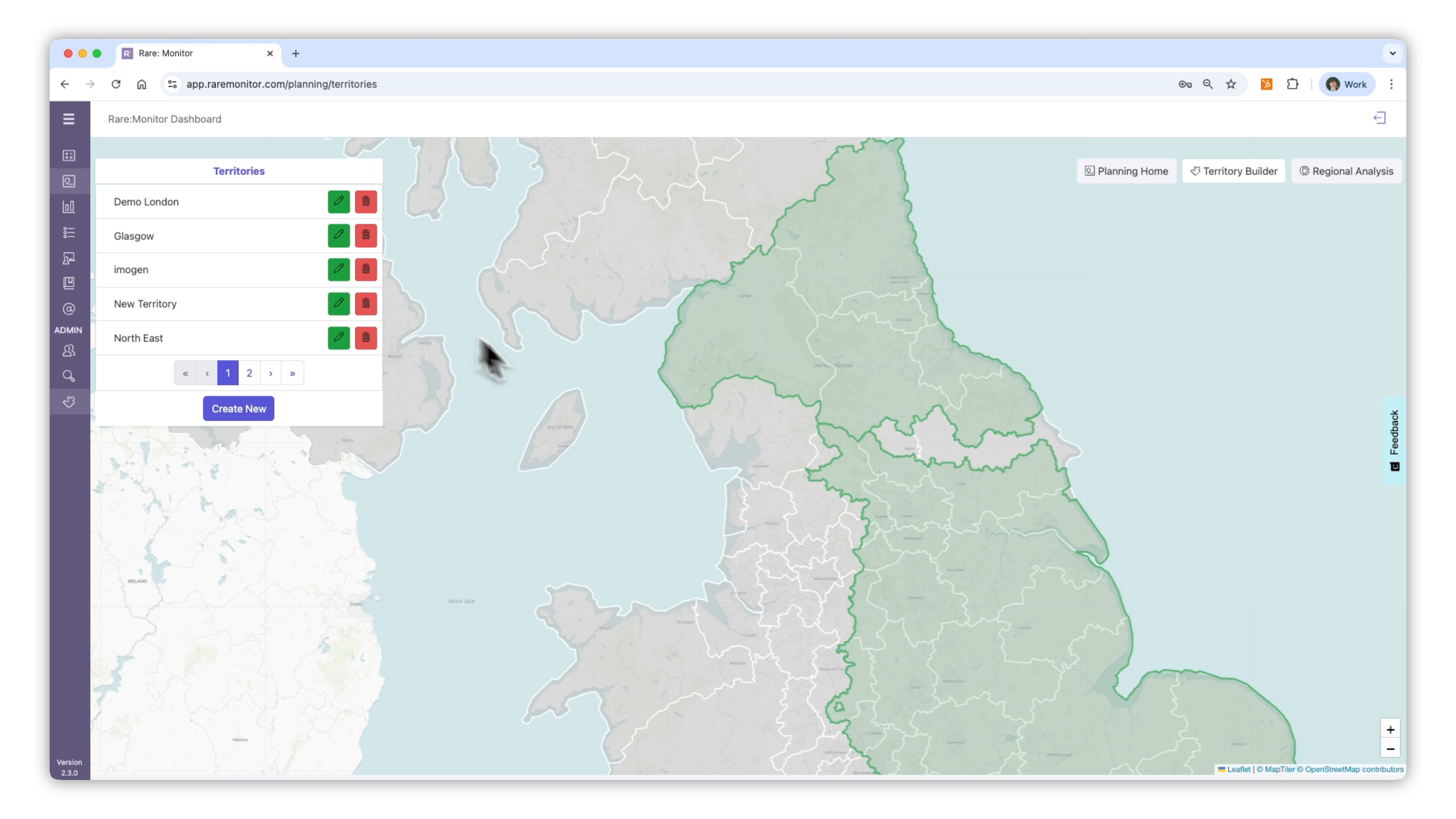
Draw your own sales territories on the map, then search inside them.
5 min video
04
Turn a filtered search into a saved, exportable list, then visualise it on the map.
5 min video
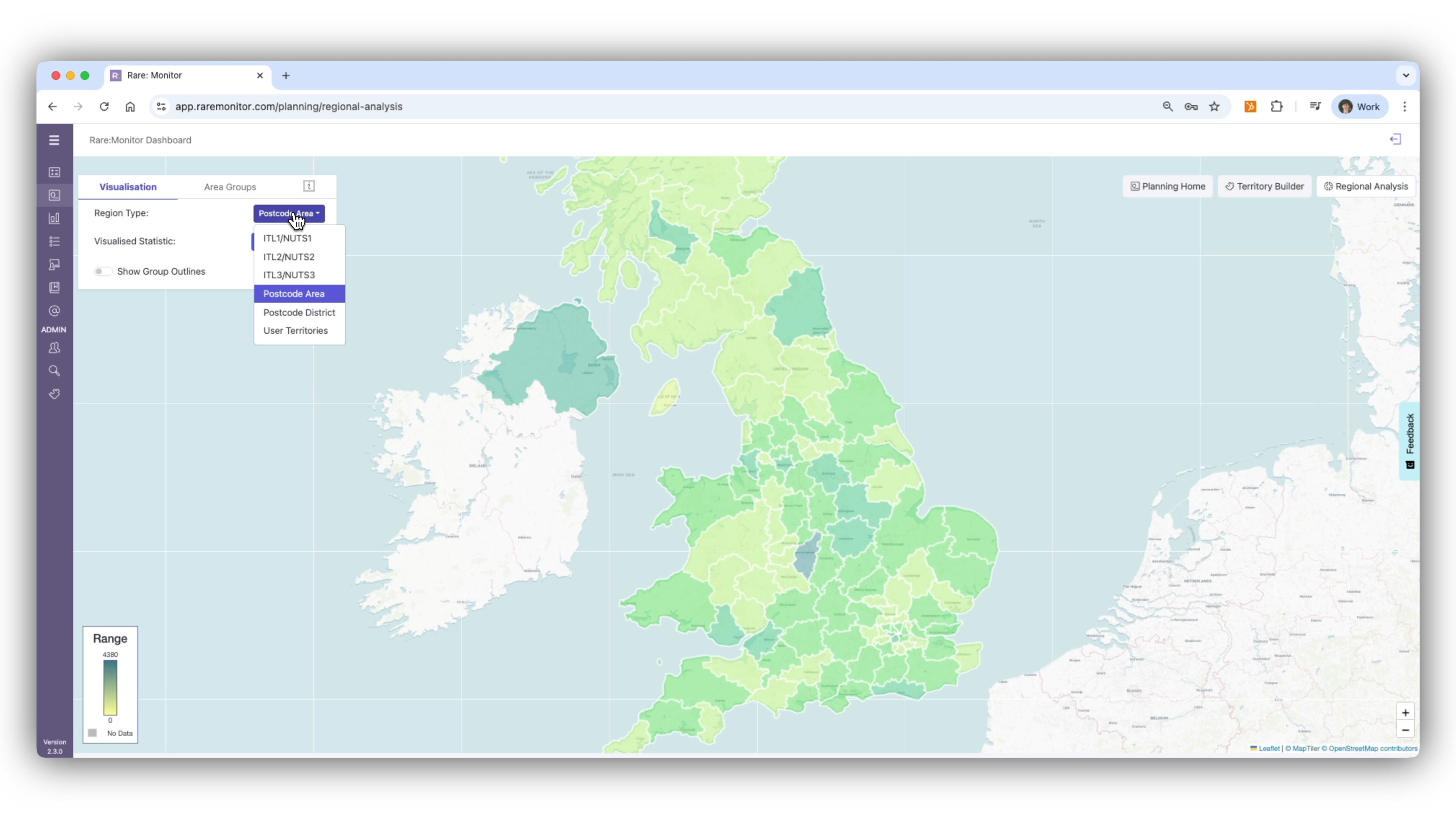
05
Compare regions side by side to spot where your opportunity is densest.
2 min video
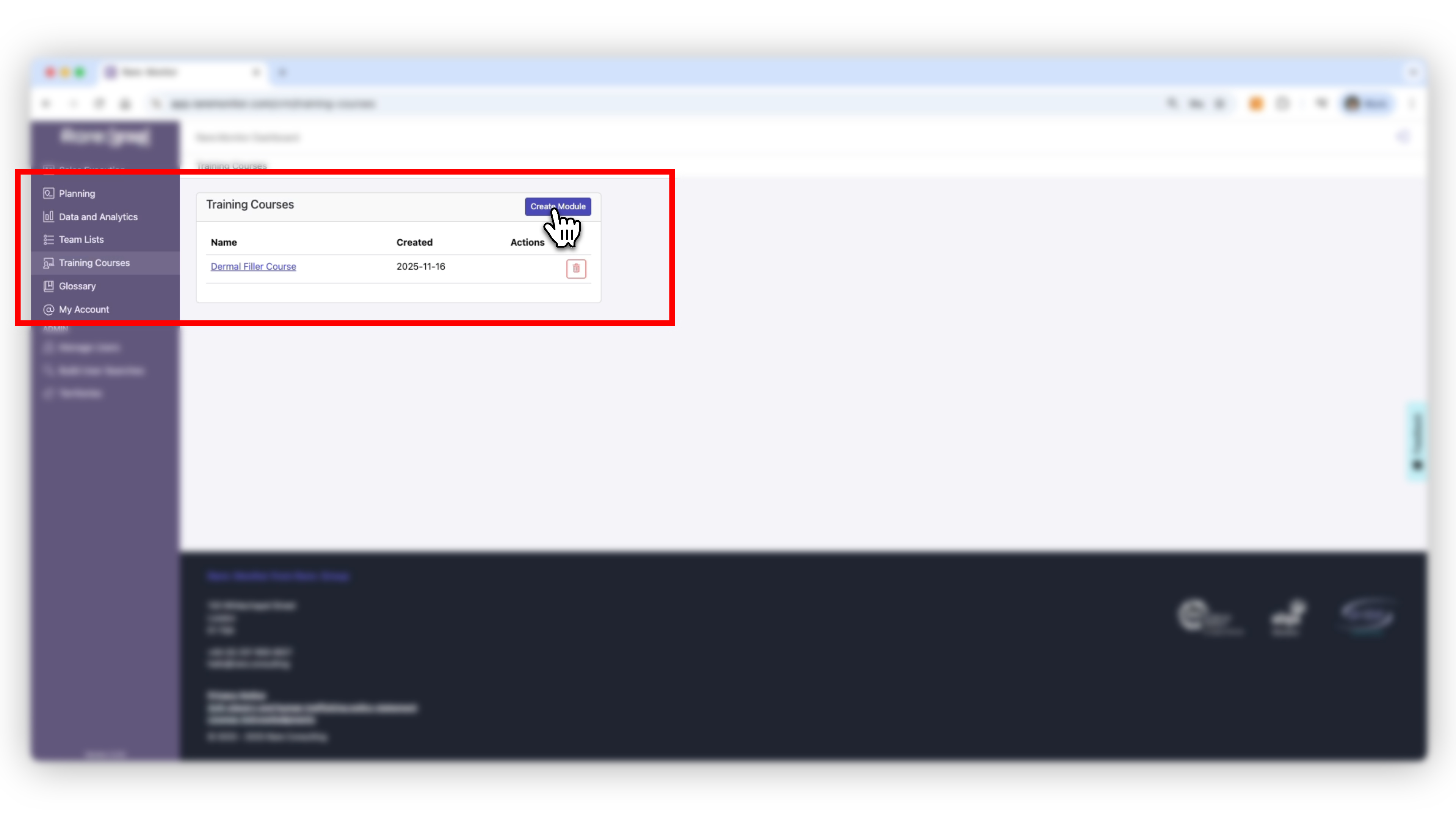
06
Schedule training, log attendees, and link training activity to sales performance.
4 min video
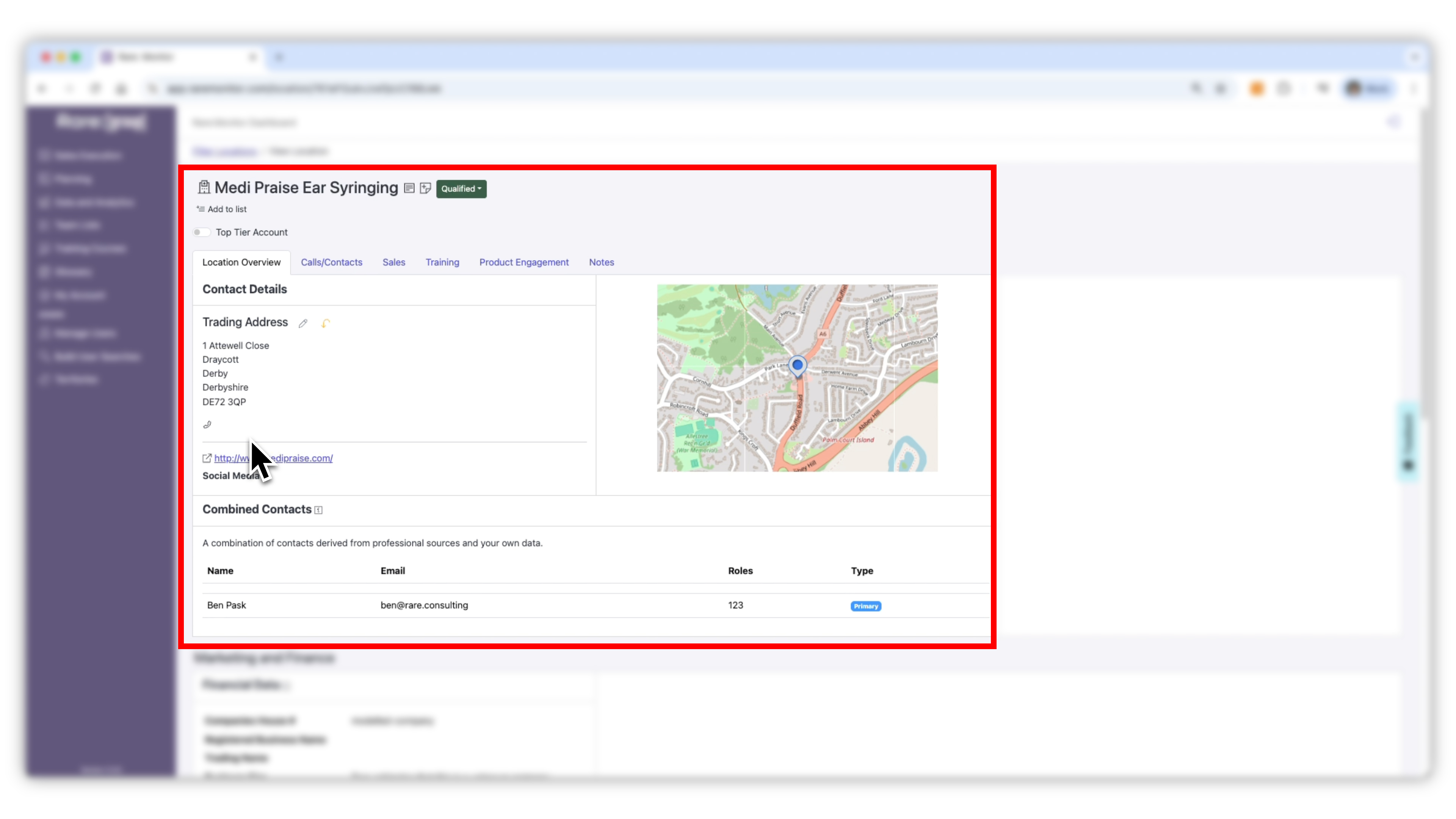
07
Log calls, sales, training, and product engagement against every account.
5 min video